Background
My interest in virtual hairstyling and character grooming pipelines started out with my candidate thesis paper about using curves to modify haircard-based hairstyles. The goal of my paper was to develop a tool to test out my own hypothesized method for styling hair for games, as several methods I had encountered myself, seemed to be either difficult to work with, or rather destructive.
Our research consisted of surveying different production pipelines, strand based and haircard based alike, and attempting to identify the strengths and weaknesses of the techniques used in each method, to later combine them into something of our own.
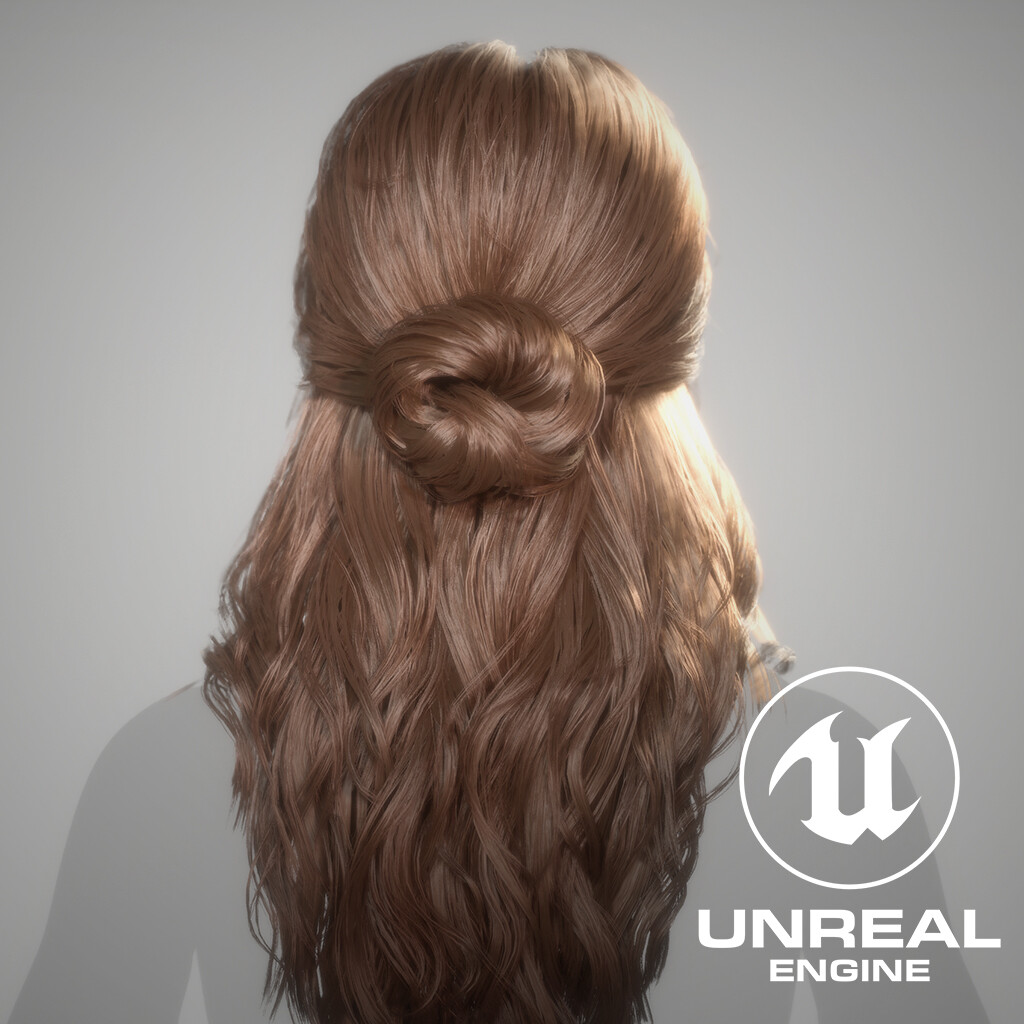
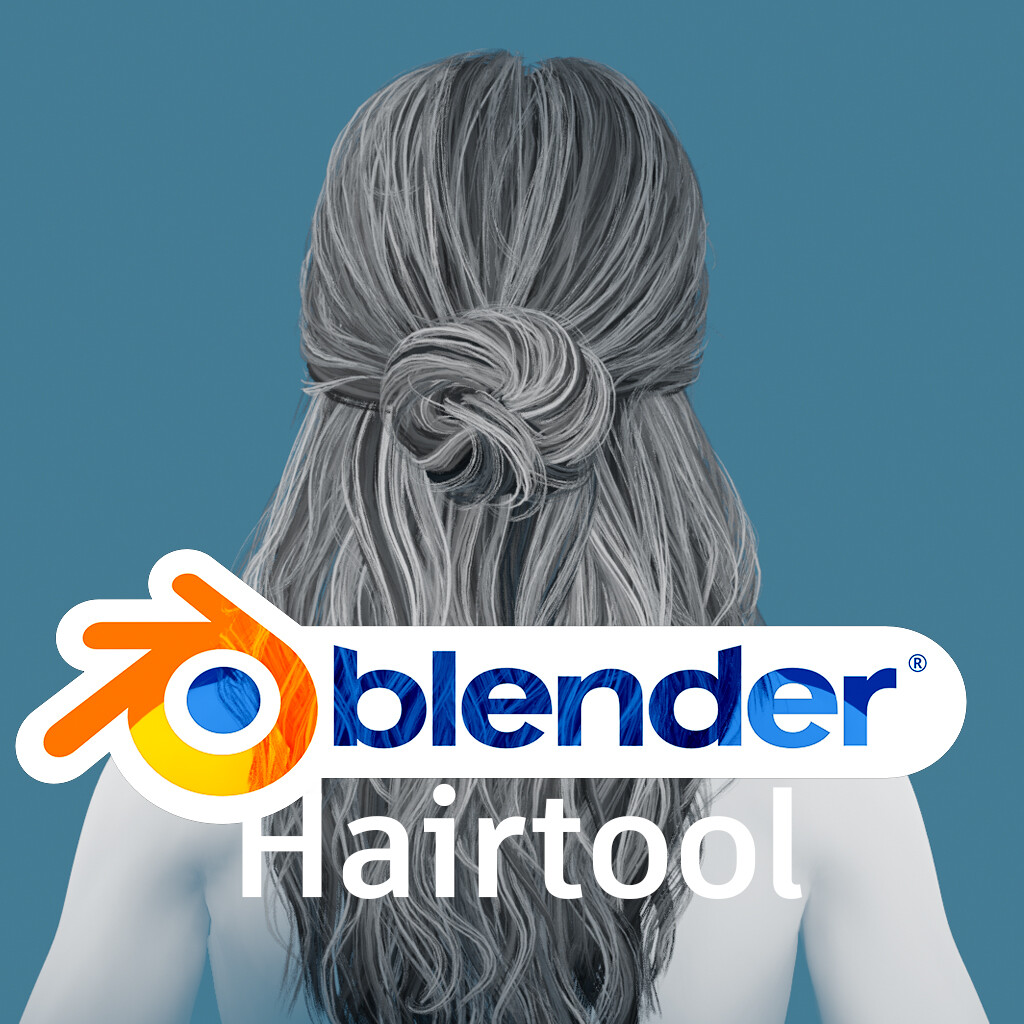
Preview in Blender of my finished hairstyle from my mentorship with Calvin Verhoolen. The haircards have transparency and it's alpha mask, whilst the colors are just the height-map with a darker tint applied to the lower layers to emulate depth.
The leading idea for the workflow
Looking at the leading workflows of strand based modeling, the user-friendliness of nurbs based guides for styling hair was obvious. However, the complete control of manually placed cards, rather than ones procedurally propagated, still seemed to be favored by a lot of artists. The workflow we decided on pursuing is a compromise between both ideas. Using Nurbs-, or Bezier Curves in Blender, and the curve “curve” modifier applied to the desired haircard mesh, the user can get similar control of the haircards as in a strand-based workflow. Since the curve and haircard-mesh object are separate, it’s also possible to switch out the mesh following an already styled curve, making the process a lot more flexible, as the version of the haircards, or even the style entirely, possible to be changed on an already styled curve, similar to guide curves in strand modelling.
To make the process of attaching haircards to guide curves, enabling the correct settings for the curve and the modifier, as well as taking advantage of the possibility to switch the meshes around before, during and after styling, the need for some tooling was in place!
Creating a Hairtool for Blender.
Hairstruct, the hairtool for blender, enables the proposed workflow, by handling the setup for the curve modifiers, duplication of haircards, and custom properties keeping track of the type of haircards being instanced. The core of the hairtool is the management of haircard categories. Using defined categories, such as “Blockout”, “Medium” and “Tertiary”, the artist can choose to propagate hair not based on a selected mesh, but the entire collection of hair-chunks created for that part of the process. Each time the artist chooses to place a curve, a random mesh from the selected category is chosen. Since the mesh and the curve is separate, the artist can always choose to “switch” the haircard mesh after placement, with a new random card from a category, or a uniquely specified one, if desired. The tool also comes with a set of functions to aid the artist in the styling process, amongst other the option to switch instancing preferences, and giving quick-selection options for switching between handling the haircard meshes or the haircard curves. More about the tool can be seen in the separate post about it below!
As the two parts of this project, really are two separate projects in and of themselves, I've made one portfolio post about each, have a look below!